

This week you will be watching three sets of slides on my website. Each of the slides corresponds with one of your photo assignments. As you watch the lesson titled “Candids and Faux Candids” be thinking about how you want to take photo assignment one. Then watch “Action Photography” and think about how you want to capture photo two. Finally, watch “Everyday Life Photography” and think about what you want to capture for photo three. As always you can ignore the “homework” section of the slides because you are doing a different assignment for this class.
Remember to log in at marciephoto.com to access these slides 🙂
Photo Assignments:
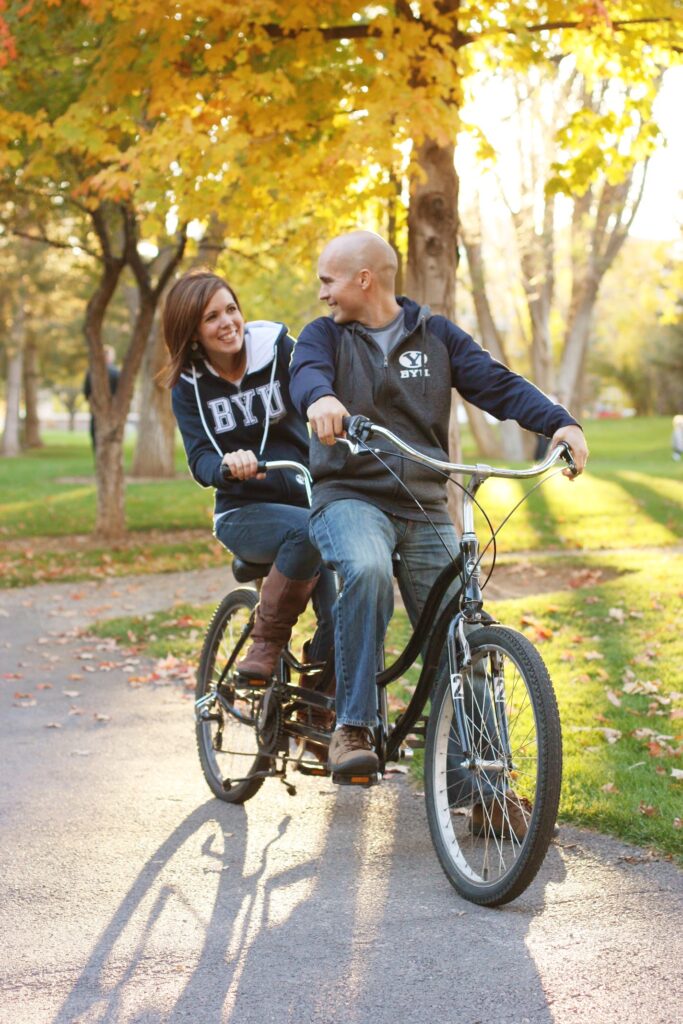
Photo One: Laughter. Capture a friend or loved one LAUGHING. I recommend creating a faux candid for this one. You can get a picture of one person or more than one but capture them laughing. What kind of prompts can you use to get laughter in your photo? Make sure you are in GOOD LIGHT. For this class that will most likely mean open shade facing the light. Can you utilize portrait mode on your camera or a low f-stop to blur out the background and focus on the subject? Are there any compositional techniques you could use to really help this photo shine?
Photo Two: Take a self portrait (you style the photo and set it up but can hand the camera to someone else to take) or take a portrait of a friend or family member in the middle of joyful movement! You can focus on the movement you’ll be writing about in your journal prompt (i.e. your favorite way to move your body or exercise) or just capture movement like jumping, twirling, walking etc — anything that conveys motion. This must be done in good lighting with good composition 🙂
Photo Three: Take a picture of your family (or just one or two family members) doing something that is part of your everyday life that brings you together as a family. It could be playing a game together, making music, playing video games, reading aloud, cooking, building, working — what is an everyday movement of togetherness that you can capture. Remember that creative composition can play a big role here!
As always, this weeks prompts go hand in hand with the photos you will be taking.
Journaling:
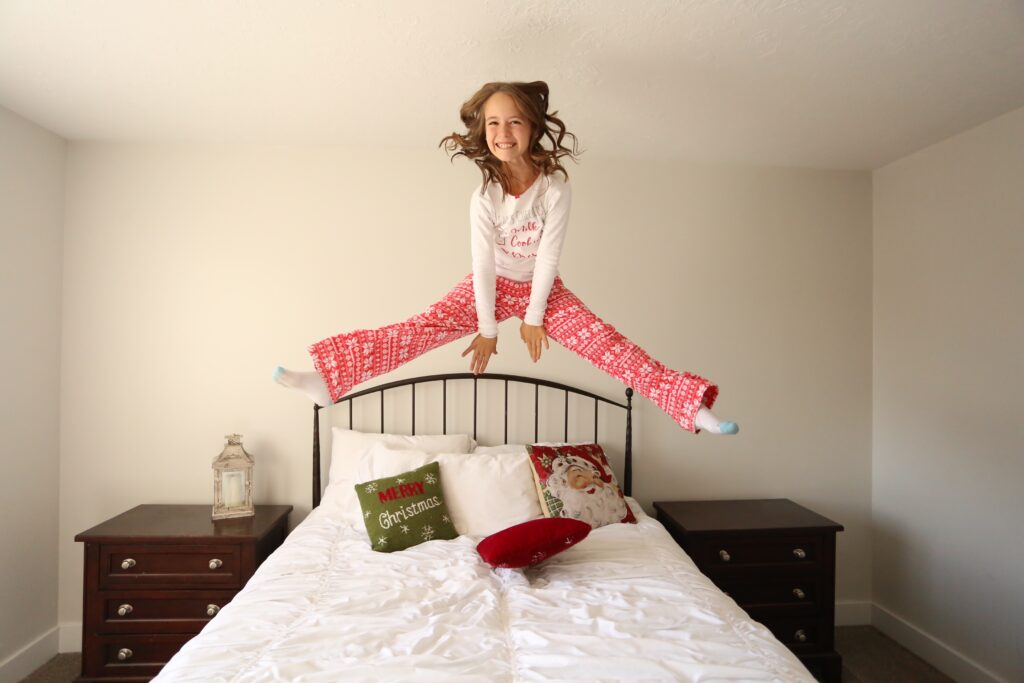
Journal One: What Makes you Laugh? Here are some questions for you to consider that can help you write your journal: Describe the last time you laughed so hard you cried. What caused it? Who is the funniest person you know? What makes them so amusing? Write about a childhood memory that still makes you chuckle. Describe a time when laughter helped you through a difficult situation. Write about a time when you couldn’t stop laughing during a serious moment. What’s the most absurd or ridiculous thing you’ve ever seen or experienced? Describe a time when you found humor in an everyday situation.
Journal Two: How Do you Like to Move Your Body? I could have written “What is your favorite way to exercise” but I think we discount some things and don’t count them as exercise — maybe your favorite things is to dance along with a YouTube video or two throw a ball with your dog at the park. This is body movement but we don’t always think of it as exercise because it’s just something we do for fun! So don’t get hung up on the idea of exercise and just think about what physical activity brings you joy. Here are some questions to consider: What’s your favorite form of exercise and why? Describe how you feel immediately after a good workout. What’s the biggest obstacle you face when it comes to exercising regularly? Write about a time when exercise helped you overcome a challenge in your life. What’s your ideal workout routine? Describe it in detail. How has your relationship with exercise changed over time? Describe a fitness goal you’d like to achieve and why it’s important to you. What’s the most unusual or fun exercise you’ve ever tried? How does regular exercise impact your mental health and overall well-being? Describe your perfect workout playlist and how it motivates you.
Journal Three: What is Your Favorite Thing to Do With Your Family? What do you love to do with your entire family? Describe your all-time favorite family tradition and why it’s special to you. What’s your favorite meal to share with your family? Describe the experience. Recall a time when you laughed uncontrollably with your family members. Describe your ideal family game night. What games do you play? Write about a family project or activity that brought you closer together. What’s your favorite outdoor activity to do with your family and why? What’s the most valuable lesson you’ve learned from spending time with your family? What’s the most adventurous thing you’ve ever done with your family? Write about a quiet, peaceful moment you cherish with your family. Describe how your favorite family activity has evolved over the years. What’s one new thing you’d like to try with your family and why?
Final thoughts and instructions:
Email me your three photos by 5 p.m. on Wednesday before class!!
ALSO, I would LOVE LOVE LOVE it if you could bring your completed photo book to our final class on April 3 (Yes, it is bonkers that our last class is coming up that fast!!). In order for that to be possible you will need to work on your book and submit it for printing in the next 2-3 weeks to allow time for shipping.
I have written up step-by-step instructions for completing this project below. Focus on this weeks homework but once that is done then please move on to formatting your book if you have free time! If you have any questions during this process then reach out right away! I want this to go as smoothly as possible for all of you 🙂
I can’t wait to see them!! Weather permitting we will be doing a hands-on final class (after we share our books) and will do an in-person photography lesson in a fun location. So this is it for all of your journaling assignments!
Steps for Creating Your Photo Book: Do these steps IN THE ORDER BELOW
- Ensure that all of your journal entries are organized in a google doc, ready for you to copy and paste it into your book.
- Go through and read EVERY single journal entry out loud to check for any mistakes. I HIGHLY encourage you to have a parent proofread your entries for spelling or grammar mistakes (and they will love reading them so it’s a treat to ask them!).
- Ensure that all of your photos are organized into a folder on your desktop. This may mean downloading them — they need to be on your desktop, not in your google folder.
- Convert any .heic photo files to .jpg — the software you will be using for your book does not allow .heic. If you are using an android then it’s highly possible that your photos are all .jpg and you’ll be fine! If you are using a dSLR unless you chose RAW files then you are shooting in .jpg as well. My iPhone users are the ones who will likely need to convert their photos. There are a few ways of doing this:
MAC users: If your photos are downloaded on a MAC then go to the folder where your photos are located and right click on one of your .heic photos. Choose “Quick Actions” Next, choose “Convert Image” and convert the image to .jpg at the photos actual size. Do this for all of your .heic photos, you can throw your .heic photos in the trash when you are done.
PC computers: *I looked this up online but I don’t have a PC to test it on, I am hopeful that this works* Open the HEIC image using the built-in Preview application. From the top menu, select File > Export. Choose JPG from the Format drop-down menu, specify a location to save the file, and click Save.
If all else fails: If you can’t get either of these steps to work for you then you can always go to our cover/back/first page template on Canva (linked in step 6) and upload all of your photos to that template, add them as individual pages and download them from there as .jpg. If you use photoshop or another photo editing software then you can open it there and save the photos as a .jpg as well. - Ask your mom to download the yearbook photo of you from this school year. She has access to these photos on Google photos. You can also email me and ask me to send it to you. Add this photo to your folder of pictures on your desktop.
- Create a cover and back cover for your book and yearbook photo page for your book. Watch the video below on how to design these pages. — The link for your Vanguard Book Cover/Back/Photo template can be found by clicking here and selecting “Use Template For New Design” when prompted. (The video will tell you what to do with this link)
(*I started talking before the recording offically began but it wasn’t worth re-recording, so it’s ok if it starts in the middle of my words, you didn’t miss anything important 😉
Video Tutorial:
6. Download your cover, back cover and first page photos as jpgs and put them in your photos folder on your desktop.
7. Go to THIS LINK and have your parent create a login and download the Bookwright software. **It makes sense for parents to do this because you have to create an account and it’s even possible your mom already has this software so have mother help with this step** This software is FREE 100% — you will not get charged for anything except the price of printing your book as the final step.
8.Watch the video below to learn how to format and order your book!
Text me with ANY questions/help!
